Boost Charging Speed on Multi Port Dock with These Tips?

Time:2026-06-16 Author:Sienna
0%

In today’s tech-driven world, every device seems to need charging. Multi-port docks offer convenience but can slow down charging speeds. This raises the question: How to improve charging speed on a multi-port dock? Understanding key factors can make a difference.

Certain docks may have limitations based on power distribution. If all ports are in use, power may not be optimal. It's crucial to identify the right dock with high wattage support. Additionally, using quality cables is often overlooked. Cheap cables may affect charging efficiency significantly. Investing in reliable accessories can yield faster results.

Common practices can lead to frustration. Users may not realize the significance of device compatibility. Ensure each device meets the power requirements for swift charging. Sometimes, trial and error with different setups reveals effective solutions. Ultimately, being aware of these elements enhances the charging experience, even if it takes some adjustments.
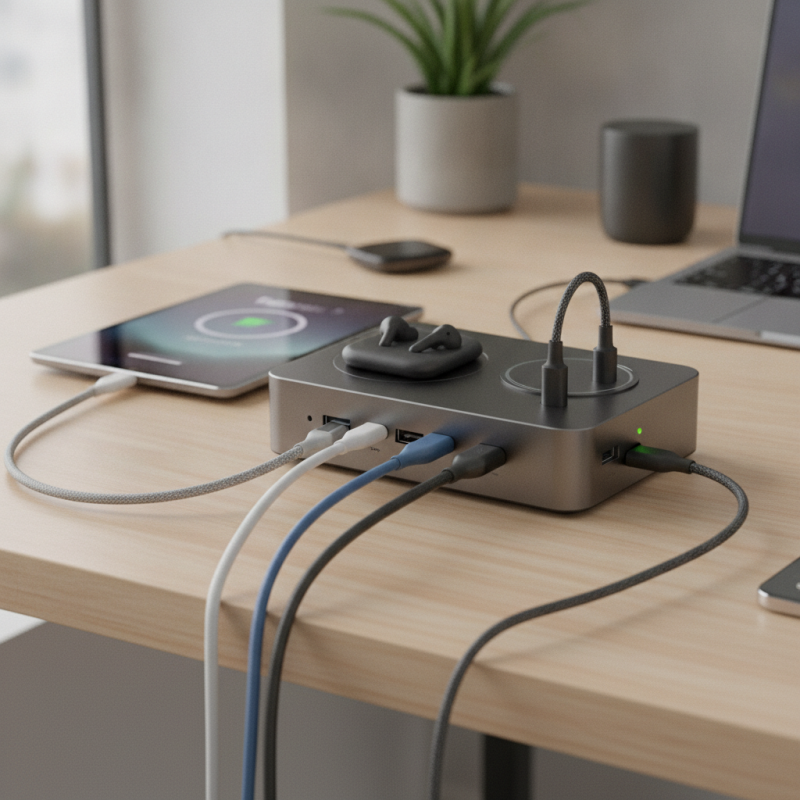
Boost Charging Speed on Multi Port Dock with These Tips?

Optimizing Power Delivery for Faster Charging on Multi-Port Docks

Optimizing power delivery on multi-port docks is essential for faster charging. When multiple devices are connected, ensuring optimal charging speed can be a challenge. Understanding how power delivery works can enhance your experience.

One crucial tip is to check your cables. Low-quality or damaged cables can hinder charging efficiency. Invest in reliable cables designed for high power delivery. Using short cables can also reduce resistance and improve charging speed.

Another point to consider is the total power output of the dock. If you're charging several devices, make sure the dock can handle the combined power needs. Distributing power intelligently across ports allows for better charging performance. Experiment with different device combinations to see what works best.

Lastly, keep your devices cool. Overheating can slow down charging rates. If your dock has multiple ports, use only the necessary ones. Limiting the number of active devices can help maintain optimal charging temperatures. Charging may seem straightforward, but attention to these details can yield notable improvements.

Understanding USB-C Standards for Efficient Multi-Port Charging

When it comes to multi-port charging, understanding USB-C standards is crucial. USB-C supports fast data and power transfer. Yet, not all cables and devices are equal. Knowing the difference can significantly boost your charging speed.

One tip is to use cables that comply with USB Power Delivery (PD). These cables can handle higher wattages. This means devices charge faster when connected. Look for cables that specify their wattage capabilities. Using the right cable can greatly reduce charging time.

Avoid overloading your dock. Different devices may have varying power needs. Plugging in too many devices might slow down the charging process for each. Assign priority to essential devices. This ensures that your most important gadgets receive adequate power. Keeping a tight charging schedule can help you charge effectively.

Charging Speed Comparison for Multi-Port USB-C Docking Stations

This chart illustrates the charging speeds of different multi-port USB-C docking stations, measured in watts (W). The data reveals how various configurations affect charging efficiency across multiple devices.

Impact of Cable Quality on Charging Speeds: Data and Recommendations

The quality of charging cables significantly influences the speed at which devices receive power. A recent study shows that poor-quality cables can lead to a reduction in charging efficiency by up to 30%. This inefficiency occurs due to increased resistance within subpar materials, which leads to power loss. Data from industry reports highlight that higher gauge wires and thicker insulation in premium cables enhance conductivity and reduce energy waste.

Using high-quality cables also ensures safety. Overheating can happen with inferior cables, risking damage to both the device and the charging port. Connecting multiple devices through a multi-port dock can further complicate power delivery. According to research, devices sharing a single port often charge slower. If the total current exceeds the cable's capacity, charging could stop or become erratic.

Selecting the right cable is not just about speed; it's about reliability. Some users may overlook specifications like gauge and material. They might assume that any cable will suffice. However, the difference in charging time can be significant. On average, a high-quality cable can charge a device up to 50% faster than a generic option in multiple device scenarios. It is essential to choose wisely to maximize performance and ensure a safe charging experience.

Balancing Power Distribution Across Multiple Devices for Optimal Charging

When using a multi-port dock, balancing power distribution is crucial. Many devices require different levels of power. Understanding this can enhance charging efficiency. For instance, charging a smartphone might demand less power than a tablet. If all devices pull from the same source, performance drops. Some devices might charge slower than expected or even fail to charge completely.

Consider the total wattage available. A dock may specify a maximum output. However, this doesn’t guarantee equal distribution. You might notice one device gets more power while others lag behind. Experimentation is key. Try connecting devices in various sequences on the dock. You might discover optimal arrangements that improve charging times.

Also, monitor charge indicators. They can reveal which devices are not receiving adequate power. If you see a slow charge indicator, reassess your configuration. Some setups may not be as effective as they seem. It’s important to reflect on your own experience. Often, a bit of trial and error leads to better results. Finding that sweet spot takes time, but the payoff is worth the effort.

Identifying and Mitigating Charging Bottlenecks in Multi-Port Configurations

When using a multi-port dock, charging bottlenecks can occur. Identifying these issues is crucial for optimal performance. For instance, each port may have different power outputs. Some devices draw more power than others. This discrepancy can slow down the charging speed for all connected devices.

One common bottleneck is the total wattage available from the power source. If this rating is too low, charging will be compromised. Consider upgrading to a higher wattage adapter if you notice slow charging. Additionally, it's important to use high-quality cables. Worn or low-quality cables can increase resistance and reduce efficiency. Regularly check the condition of your cables for any wear and tear.

Another aspect to consider is device compatibility. Not all devices support fast charging. This can impact overall charging time. Disconnecting unnecessary devices from the dock can help prioritize power to those that need it. Keeping your dock clean and free of dust also plays a role. Dust can insulate connections and hinder performance. Regular maintenance can mitigate these less obvious issues.

FAQS

: How does cable quality affect charging speeds?

: High-quality cables can improve charging efficiency. Poor cables may reduce speed by up to 30% due to resistance.

What happens if I use a low-quality cable?

Low-quality cables can overheat. This may damage your device and charging port.

Why is cable gauge important for charging?

Higher gauge wires enhance conductivity. They reduce energy waste and improve charging speeds significantly.

Can using multiple devices slow down charging?

Yes, connecting multiple devices can cause slower charging. This occurs if the total power exceeds the cable's capacity.

How can I identify charging bottlenecks in a multi-port dock?

Check the power output of each port. If it’s low, consider upgrading the power adapter for better performance.

Are all devices compatible with fast charging?

No, not all devices support fast charging. Check compatibility to maximize charging efficiency.

How can regular maintenance improve charging performance?

Keeping your dock clean helps prevent dust buildup. Dust can insulate connections and slow down charging.

What should I consider when choosing a charging cable?

Evaluate the gauge and material of the cable. Some users assume any cable will work, which can lead to inefficiency.

How often should I check my cables?

Regularly inspect cables for wear and tear. Worn cables can increase resistance and reduce charging efficiency.

Conclusion

To enhance charging efficiency on a multi-port dock, it's essential to understand how to improve charging speed on a multi-port dock. Start by optimizing power delivery, ensuring that the total power output meets the demands of all connected devices. Familiarizing yourself with USB-C standards can also facilitate more efficient multi-port charging, leveraging the technology's capabilities for better performance.

Furthermore, the quality of charging cables should not be overlooked, as they play a significant role in maintaining high charging speeds. Balanced power distribution across devices is crucial; prioritize charging for those that require more energy while preventing bottlenecks caused by inadequate power allocation. By identifying and addressing these bottlenecks, users can significantly enhance the overall charging experience.

Sienna

Sienna

Sienna is a skilled marketing professional with a deep expertise in our company’s core products and services. With a passion for innovation and detail, she plays a pivotal role in crafting insightful blog posts that not only highlight the unique features of our offerings but also provide valuable......